

From first form to next refill.
What a patient goes through at a clinic that runs on EonPro, and what the platform does at each step.
A patient should never have to ask what happens next. On EonPro every step has a status, an owner and a message.
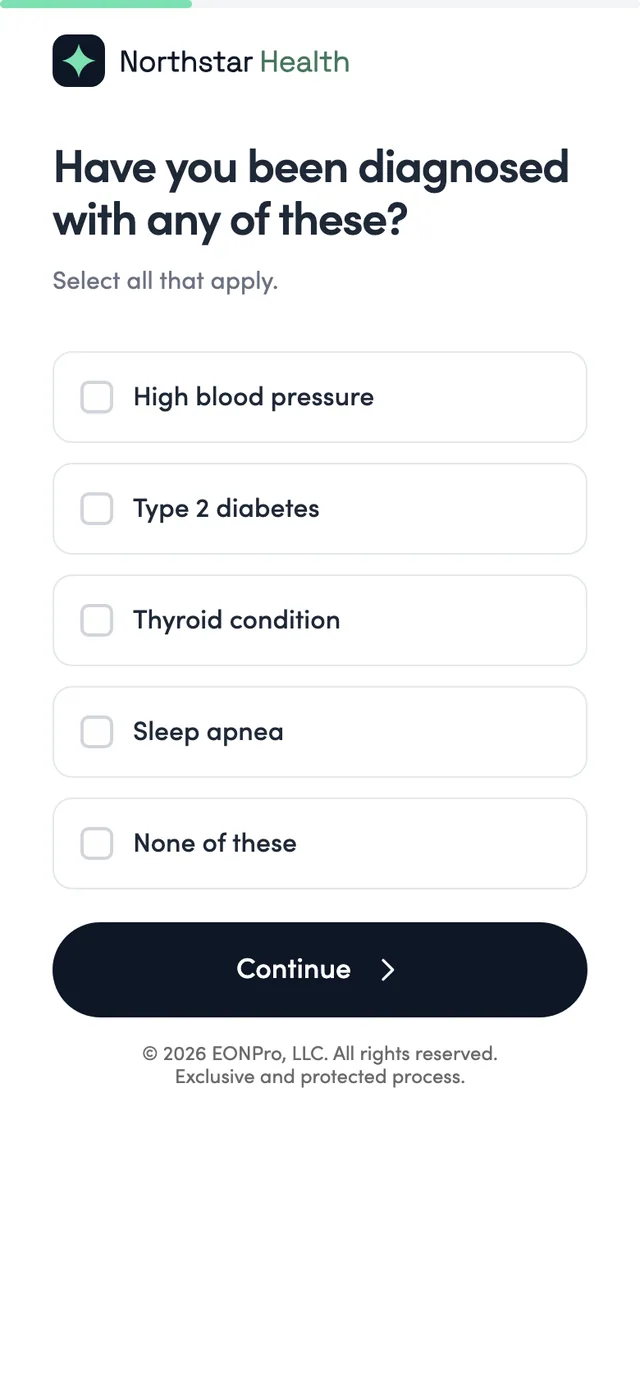
Intake
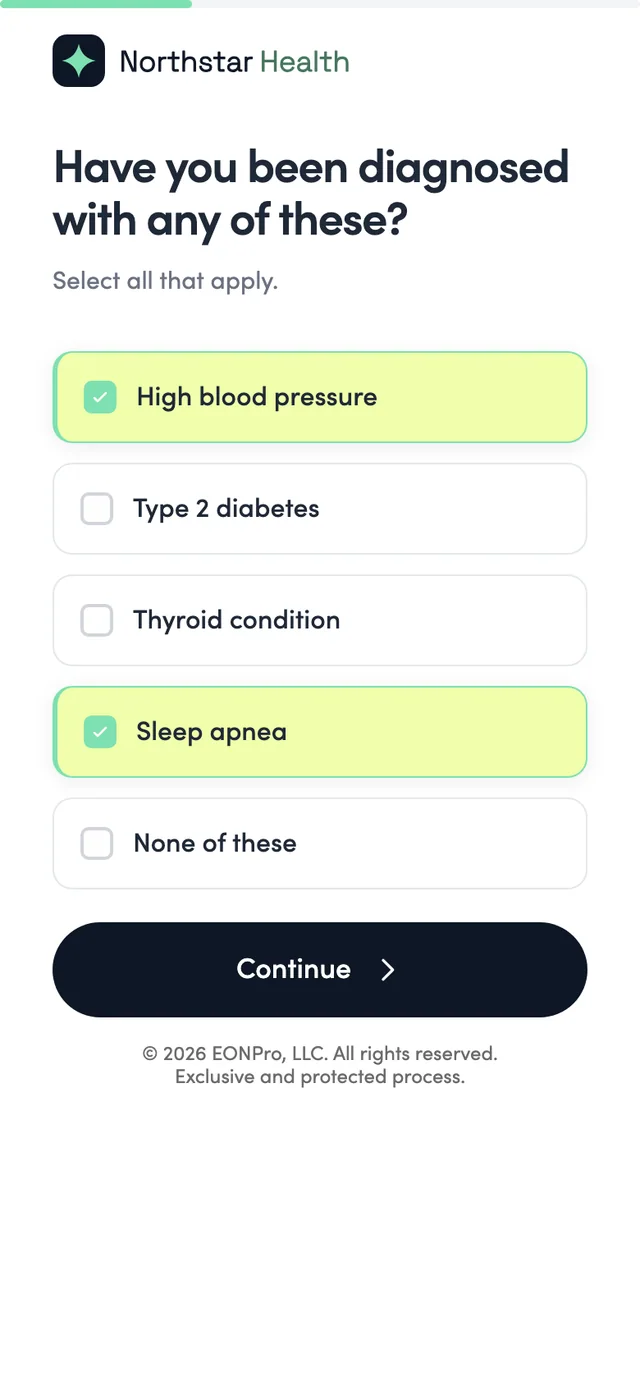
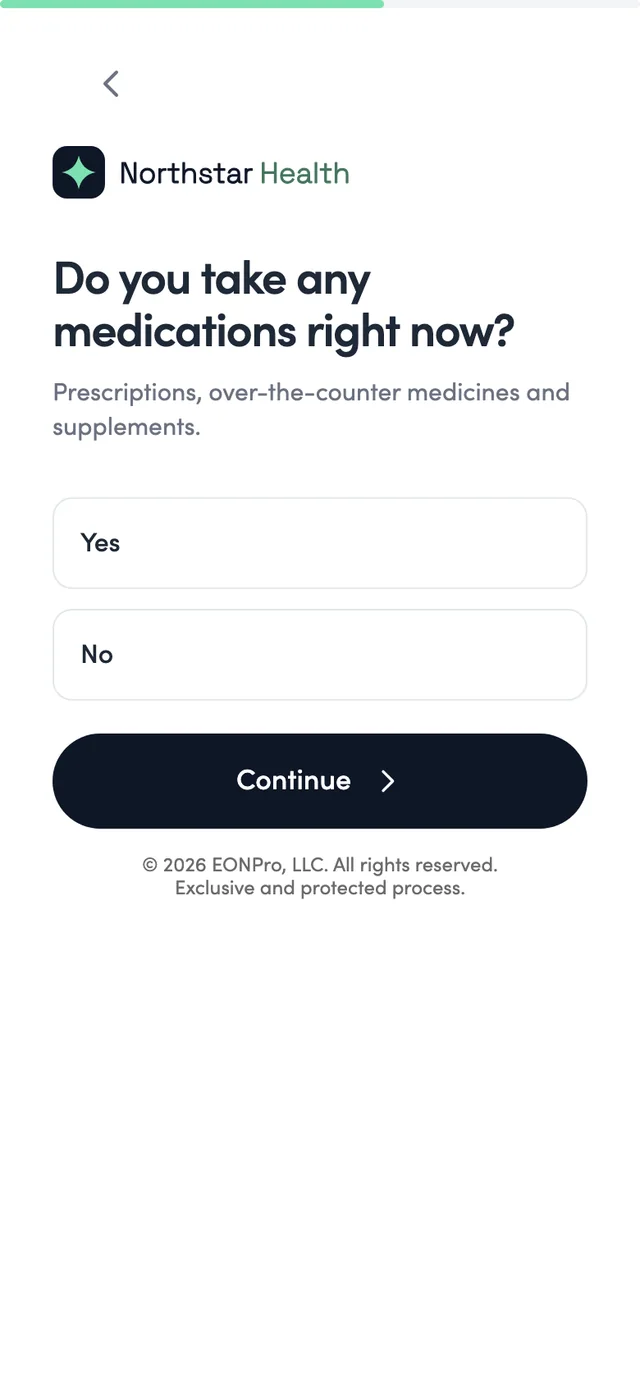
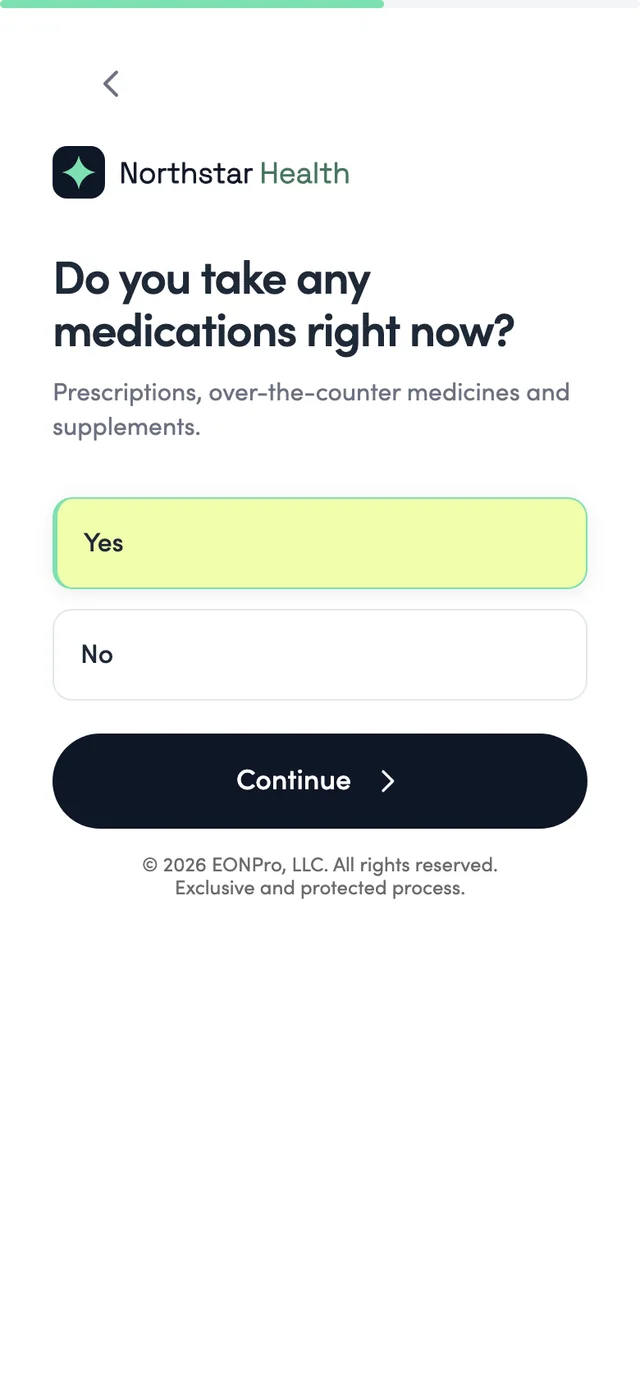
It starts with a medical intake on your clinic’s own site
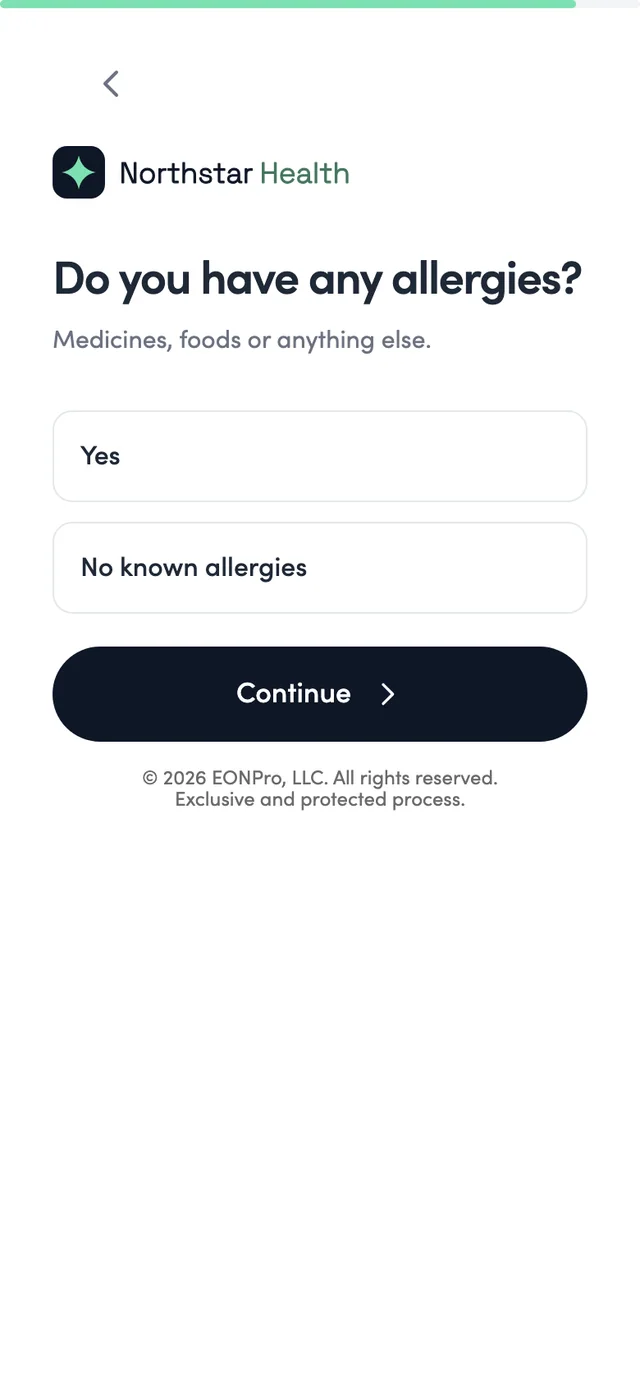
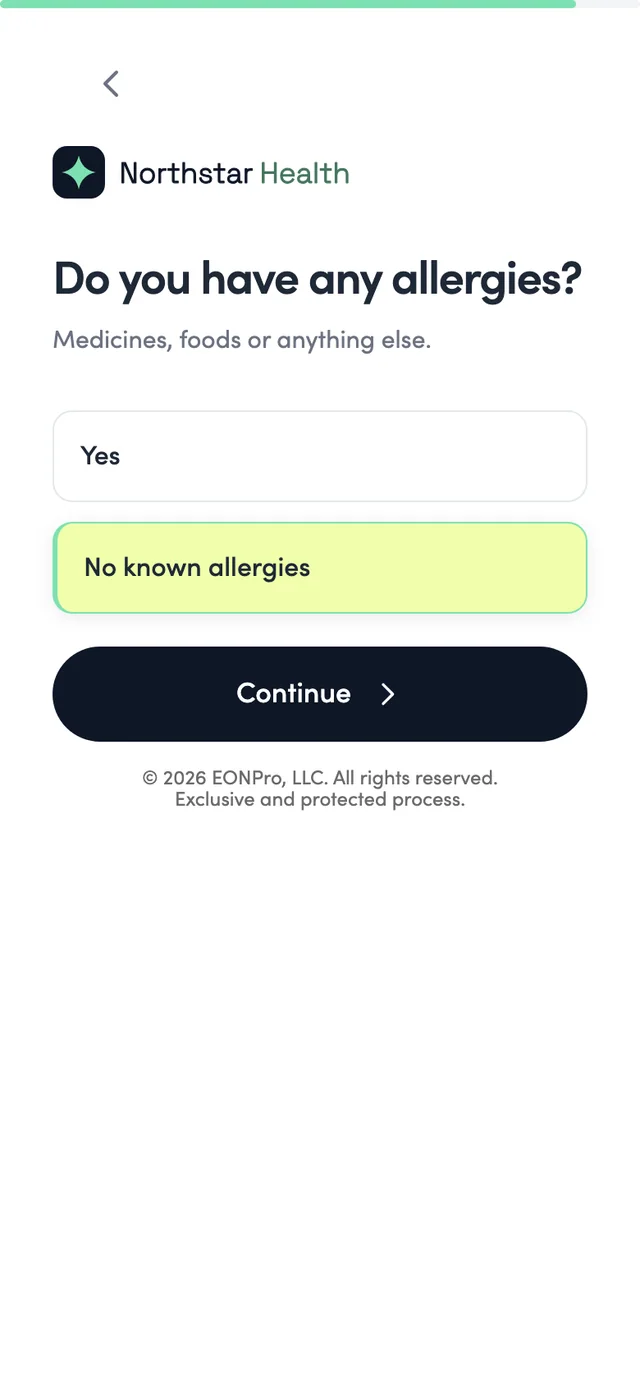
Patients answer your questions under your name, your colours and your domain. When they finish, the intake is on their chart and they are told it arrived.
Patient chart
Intake on file- Nameencrypted
- Date of birthencrypted
- Phoneencrypted
- Emailencrypted
- Addressencrypted
Encrypted before it is stored
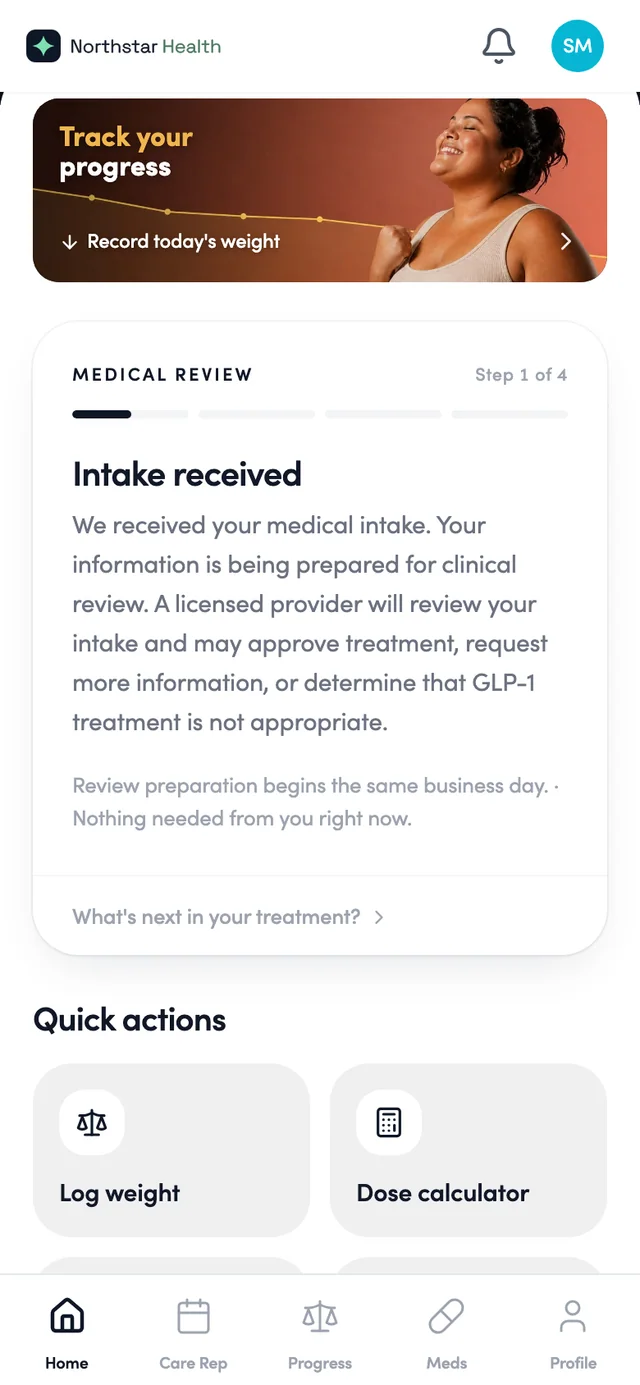
The patient sees
“Intake received”, in the portal and in a message.
Your team sees
The finished intake on the patient’s chart, ready for review.
EonPro does
Encrypts name, date of birth, phone, email and address before they reach the database.
Payment
Payment is taken. Approval is not promised.
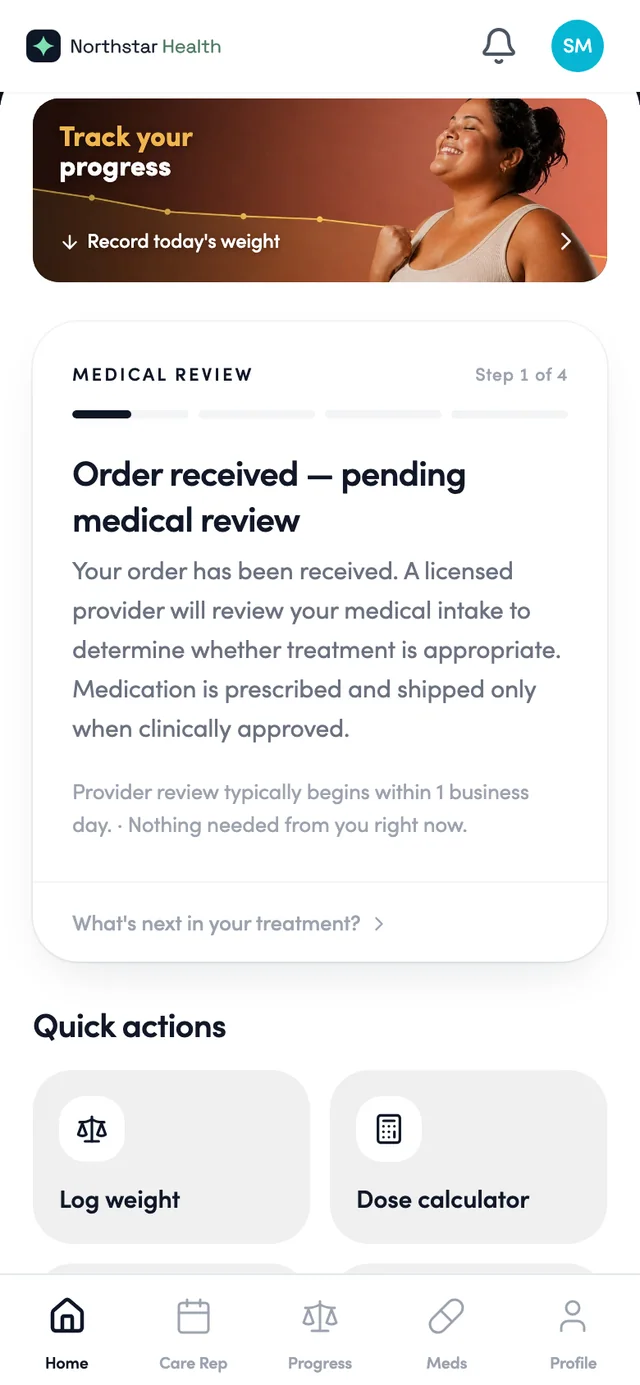
The patient pays online. What they read next is deliberate: the order is in, and a licensed provider decides whether treatment is appropriate.
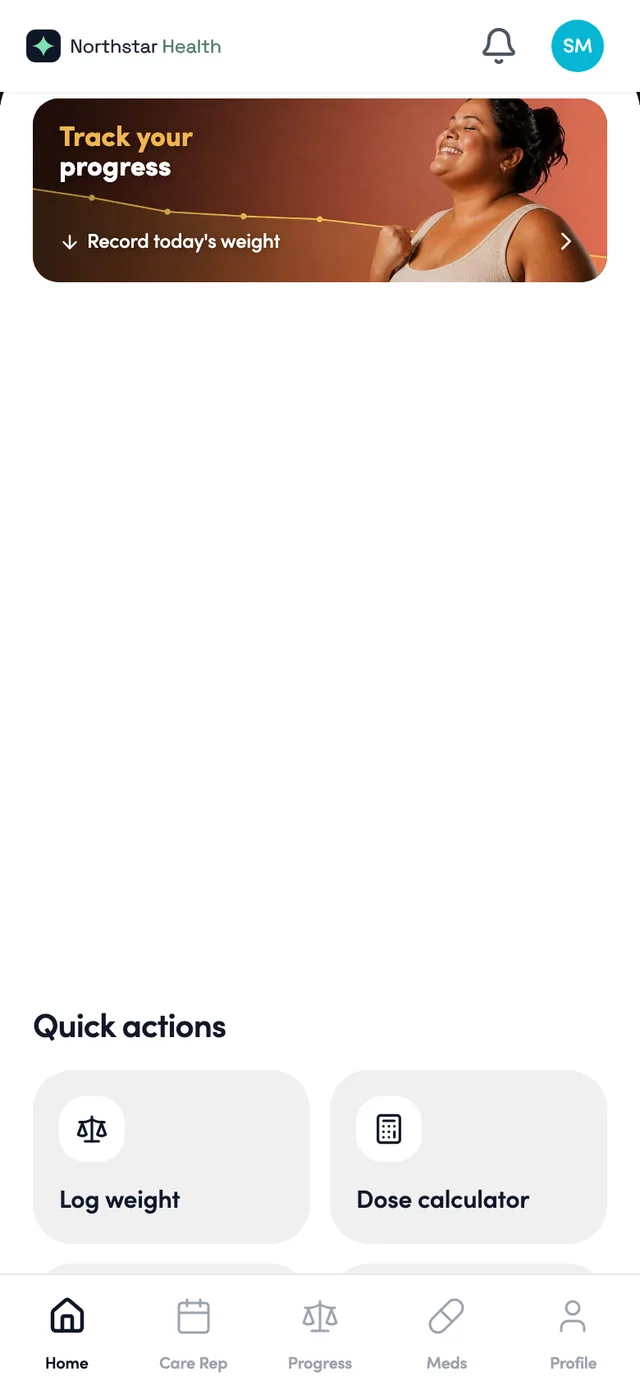
The patient sees
“Order received — pending medical review”. Nothing says approved.
Your team sees
The paid invoice on the chart, and the order in line for a provider.
EonPro does
Takes the payment through Stripe. Card numbers never touch EonPro.
Medical review
A licensed provider makes the decision
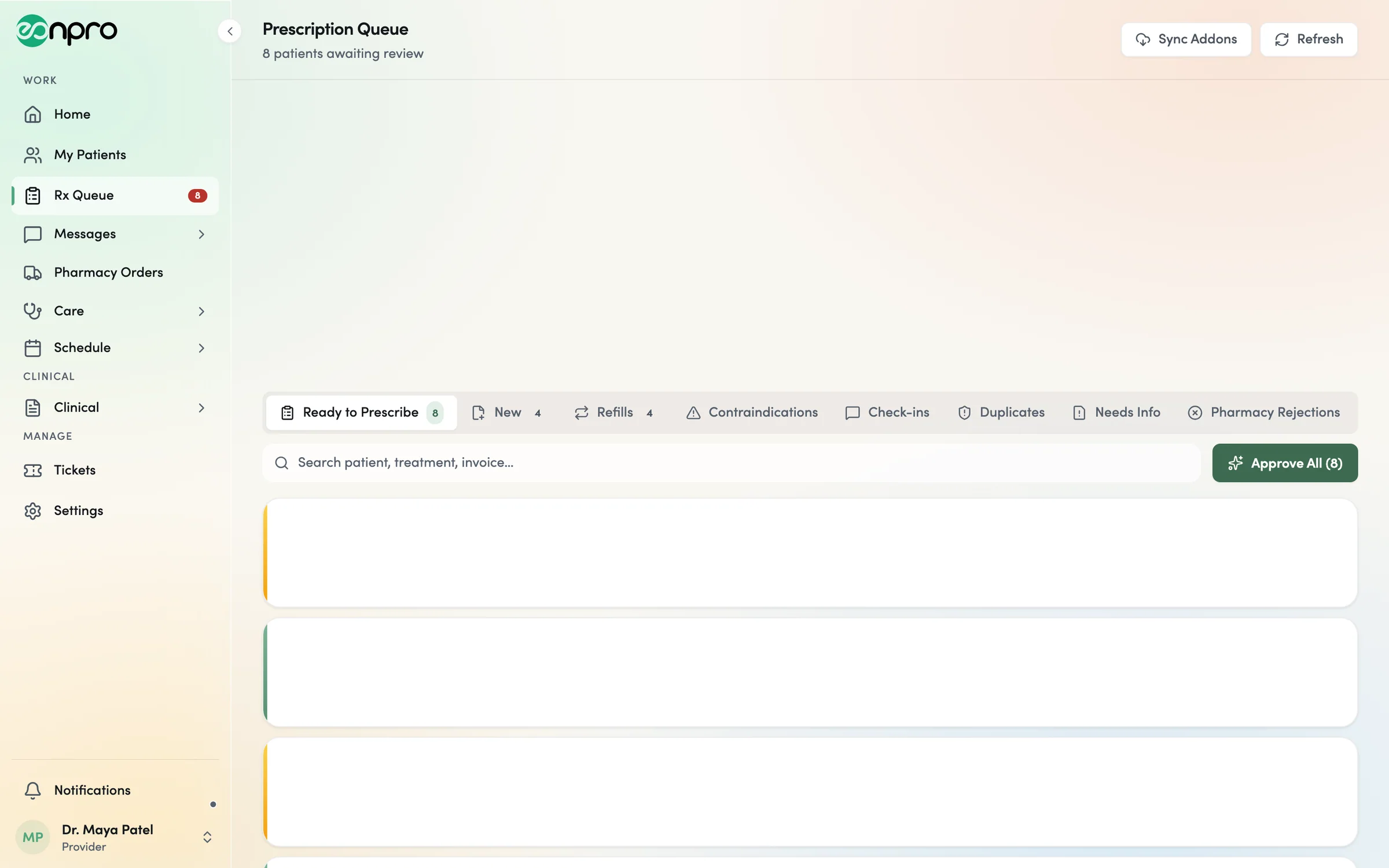
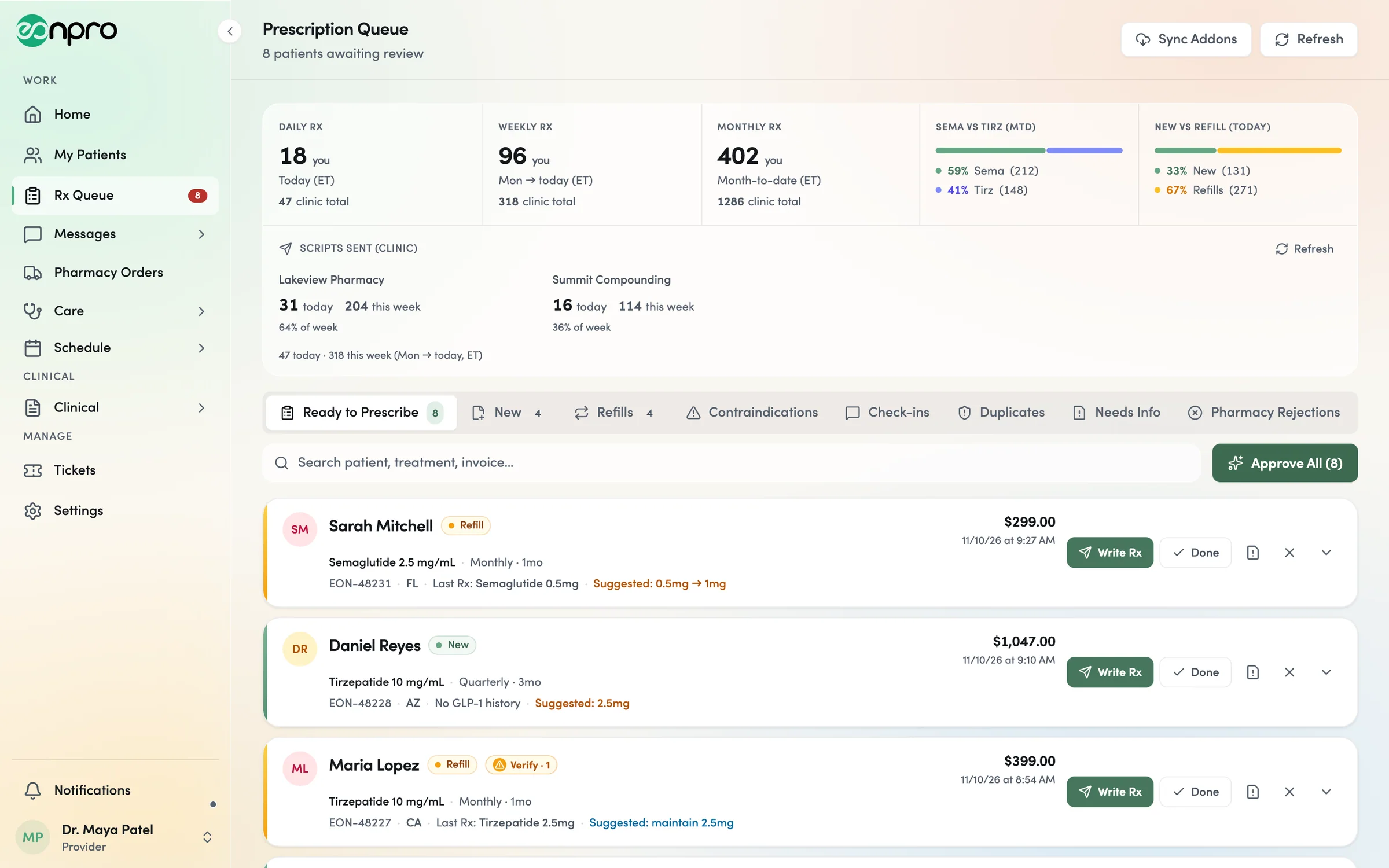
Each provider’s queue holds only the patients they are licensed to treat. The provider approves, asks for one more item, or declines, and the patient is told which.
The patient sees
“Provider review”, then the decision. If an item is missing: “Action needed”, with up to three reminders, a day apart.
Your team sees
A queue split by licence, with the treatment, the last dose and a suggested next dose beside each patient.
EonPro does
Drafts the visit note. Nothing is signed until a provider has reviewed it.
Pharmacy fulfillment
Approved, and sent to the pharmacy
The signed prescription goes to the pharmacy that serves the patient’s state. Nobody types it in a second time.
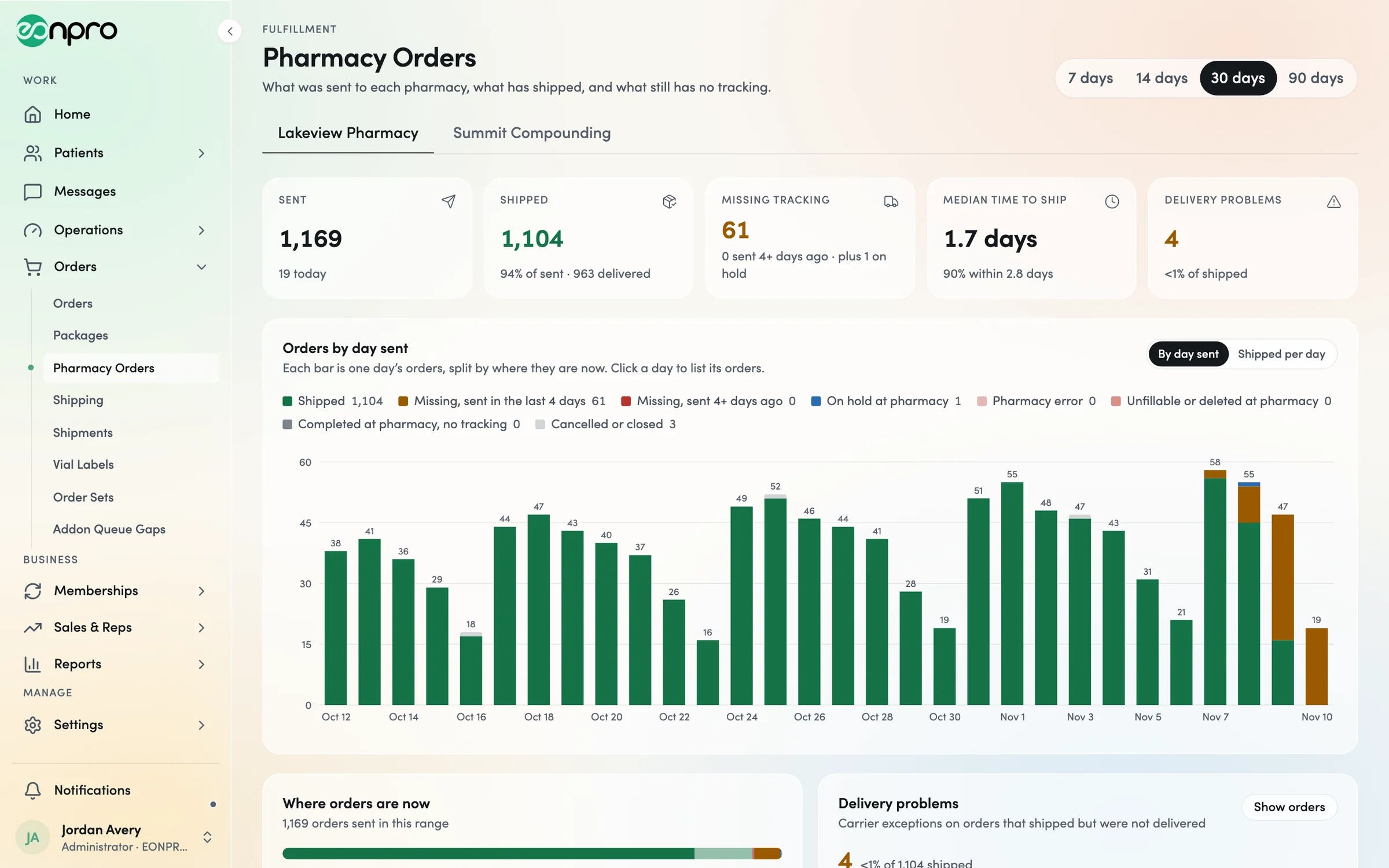
- Treatment approved
- Approved — sent to pharmacy
- Pharmacy processing
The patient sees
“Treatment approved”, then “Approved — sent to pharmacy”, each with a message.
Your team sees
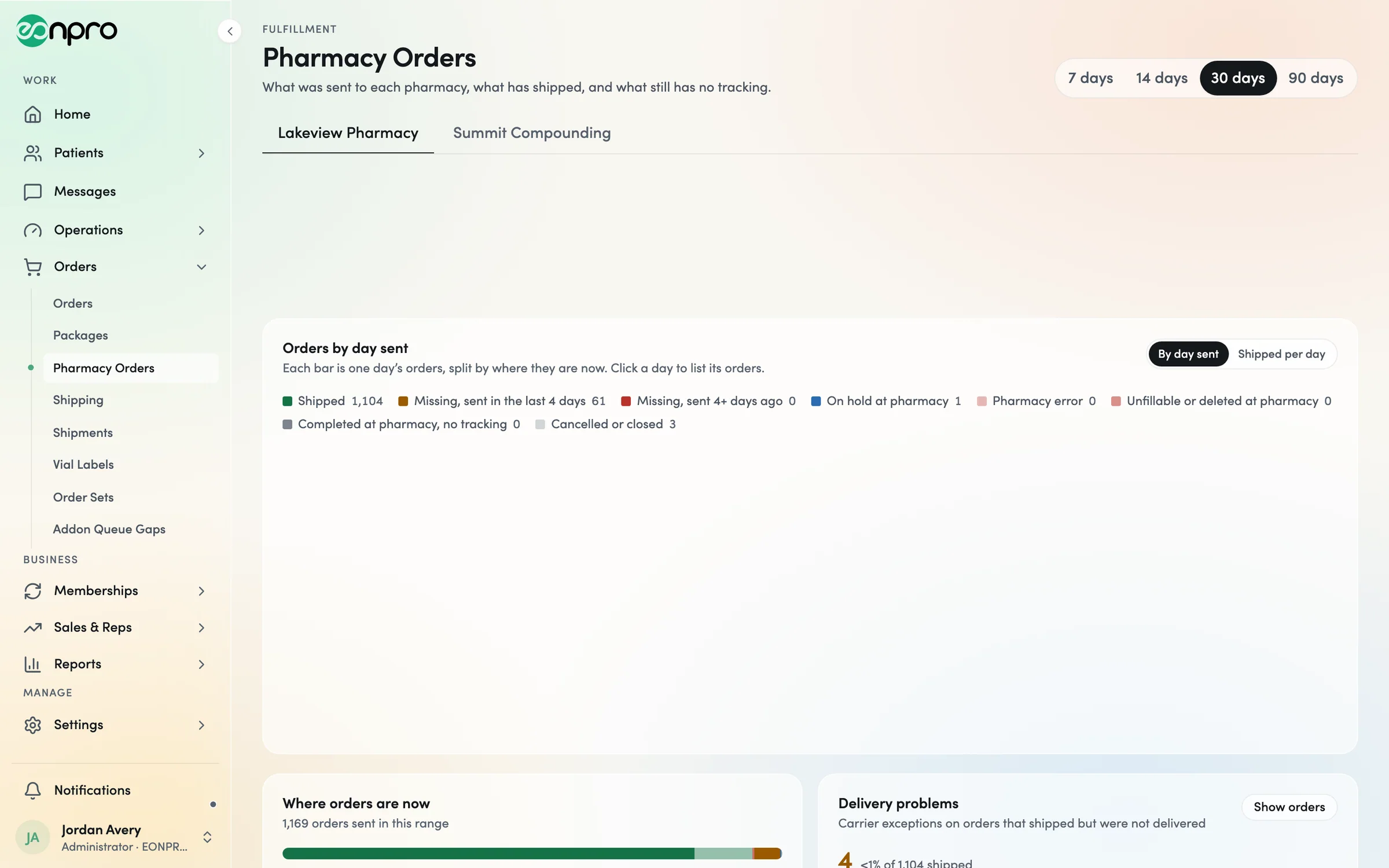
When a pharmacy rejects an order, the exact fields it rejected.
EonPro does
Routes each order to the pharmacy that serves the patient’s state.
Shipping & delivery
Every scan reaches the patient
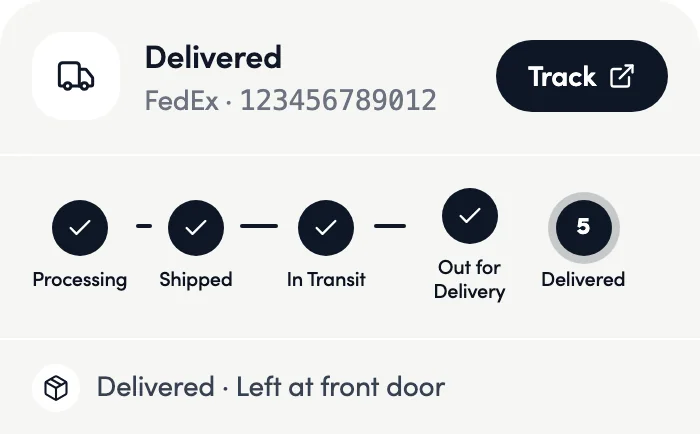
A message goes out when tracking is created, when the package is on its way, when it is out for delivery and when it arrives. A label alone is never called shipped.
- Tracking created
- Shipped — in transit
- Out for delivery today
- Delivered — first dose preparation
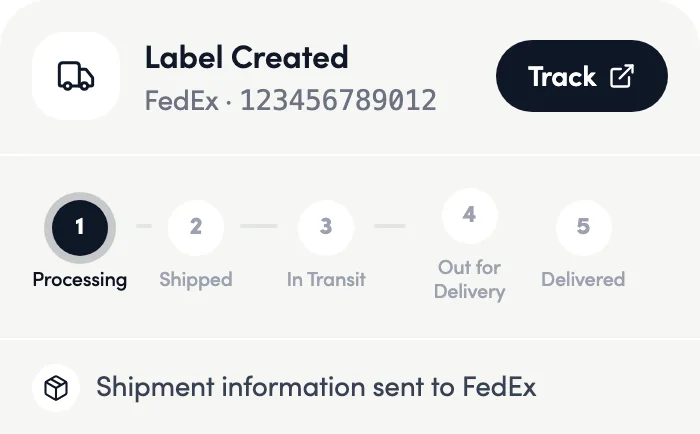
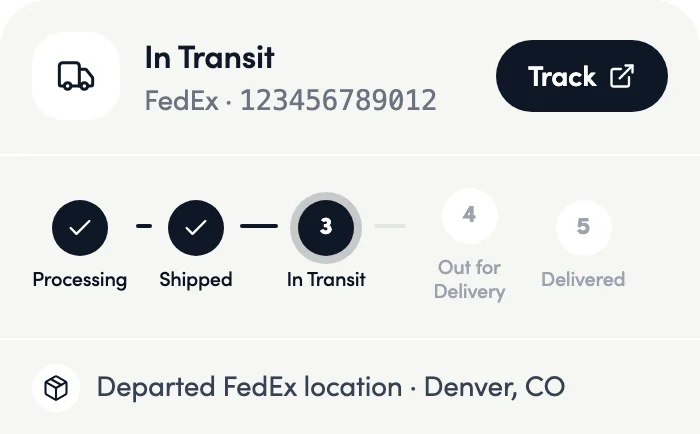
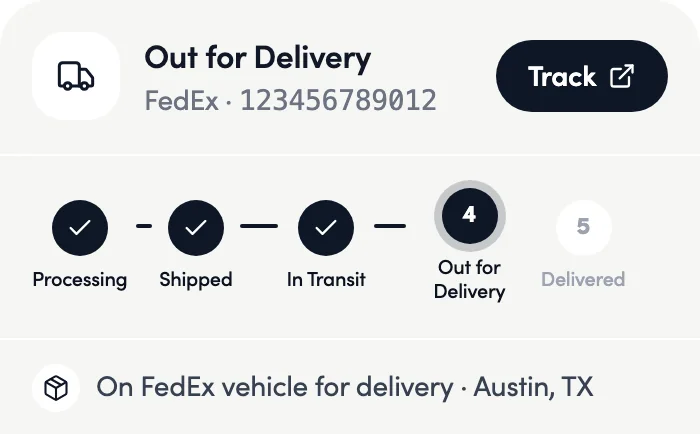
The patient sees
Tracking in the portal and in the app, and a message at each step.
Your team sees
A notice when a label has sat about a business day without a carrier scan.
EonPro does
Reads the carrier’s scans, so nobody copies a tracking number by hand.
First dose support
The first dose is not left to chance
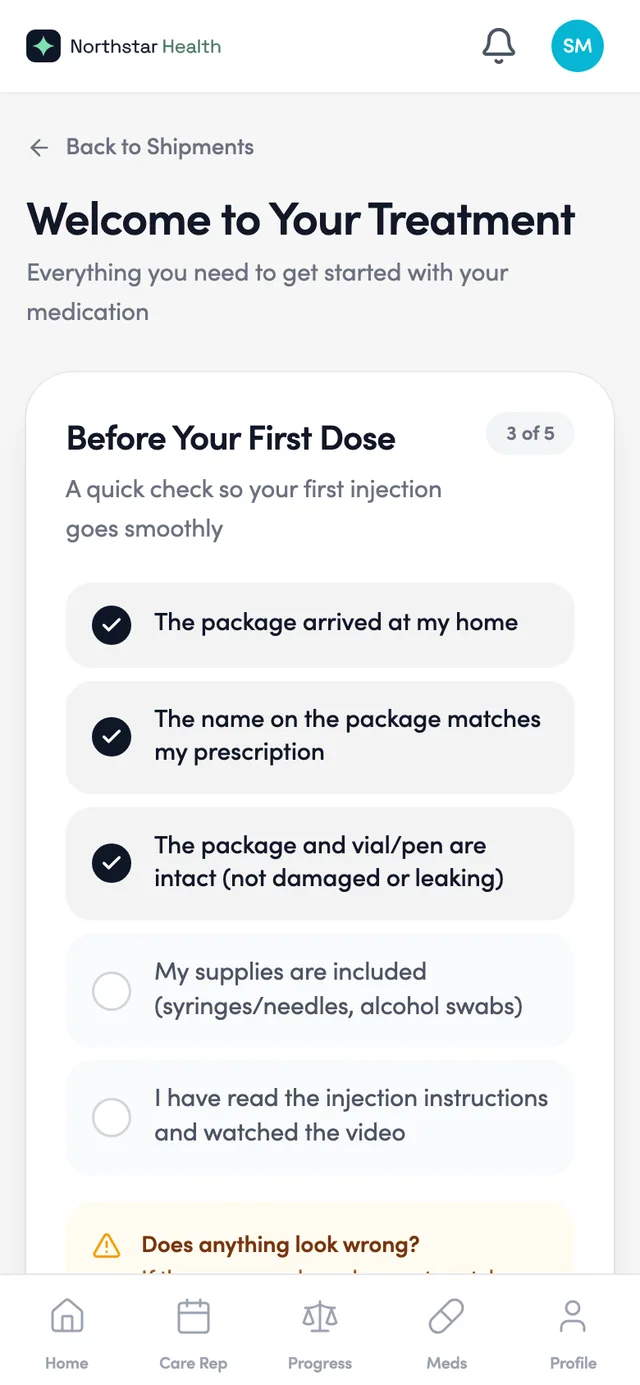
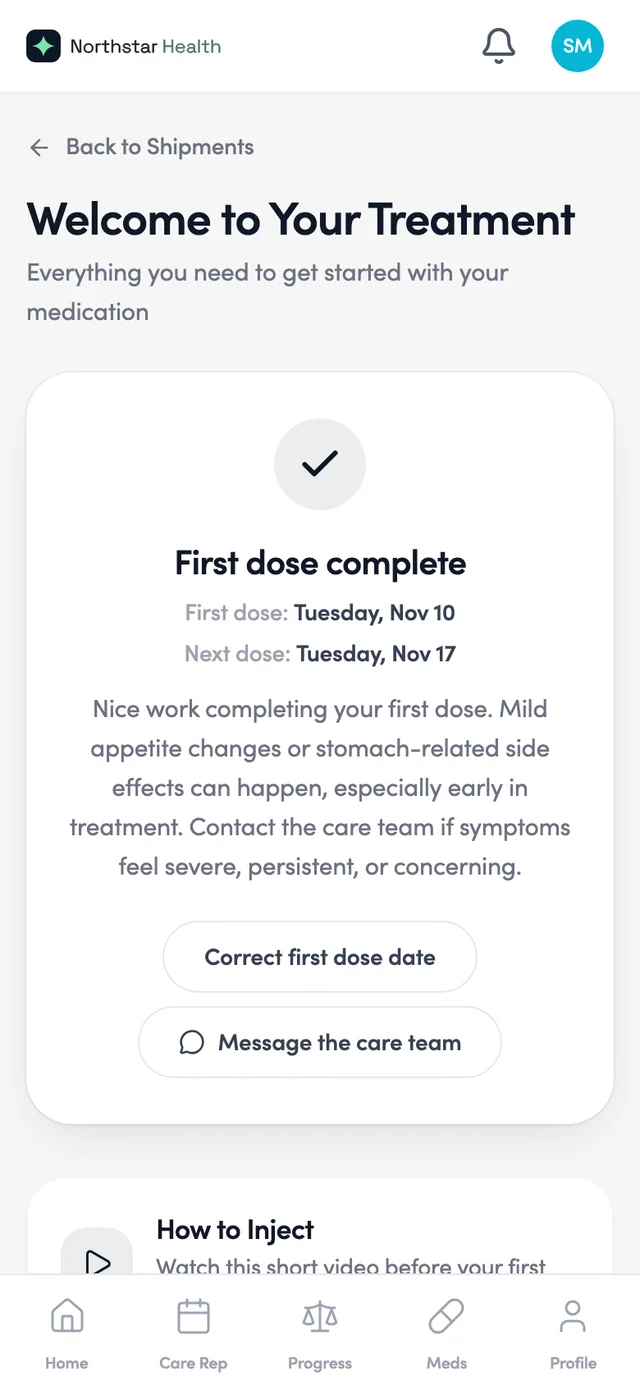
Delivery opens the first-dose guide in the portal. The patient confirms the dose there, and the check-ins that follow are timed from it.
- Delivered — first dose preparationThe first-dose guide opens in the portal.
- First-dose reminderText1 to 4 days after delivery, if no dose is logged
- First dose completeThe patient confirms the dose in the portal.
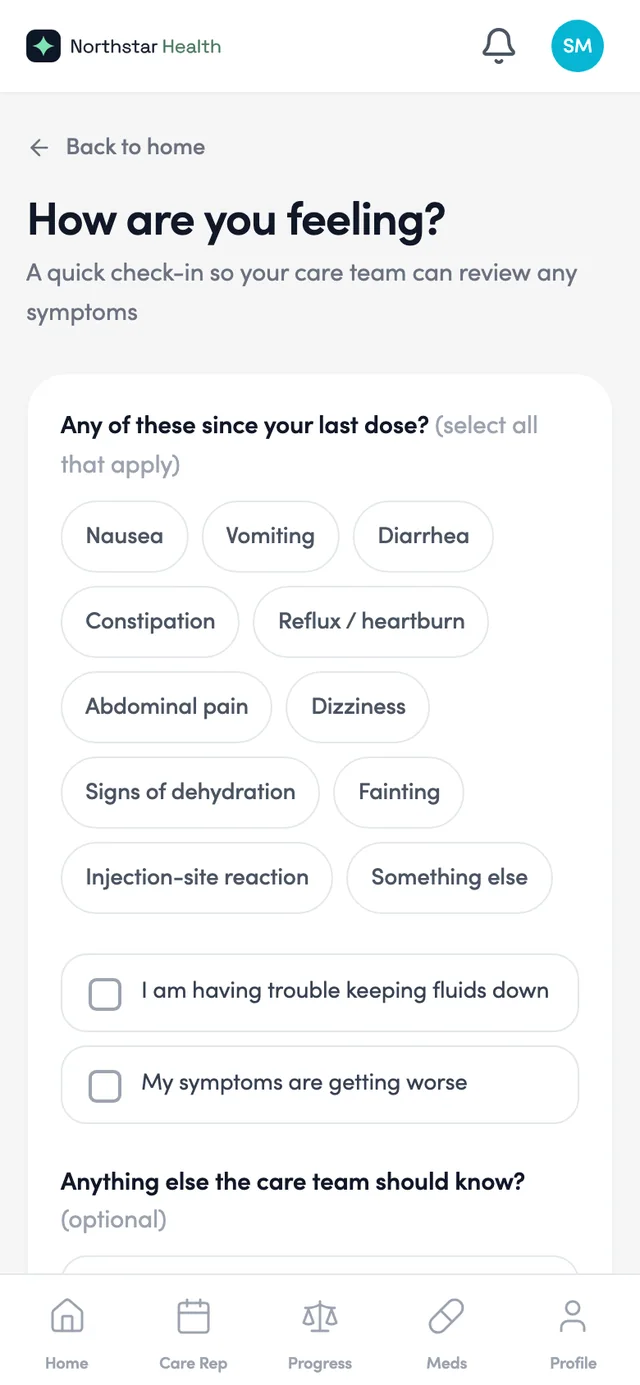
- Symptom checkText1 to 3 days after the first dose
- Week-two progressText14 to 17 days after the first dose
The patient sees
“Ready for first dose”, the guide, and a button to confirm the dose.
Your team sees
A severe symptom report goes to the clinical team, not to support.
EonPro does
Times each check-in from the patient’s own delivery and first dose.
Monthly care
Refills a provider still reviews
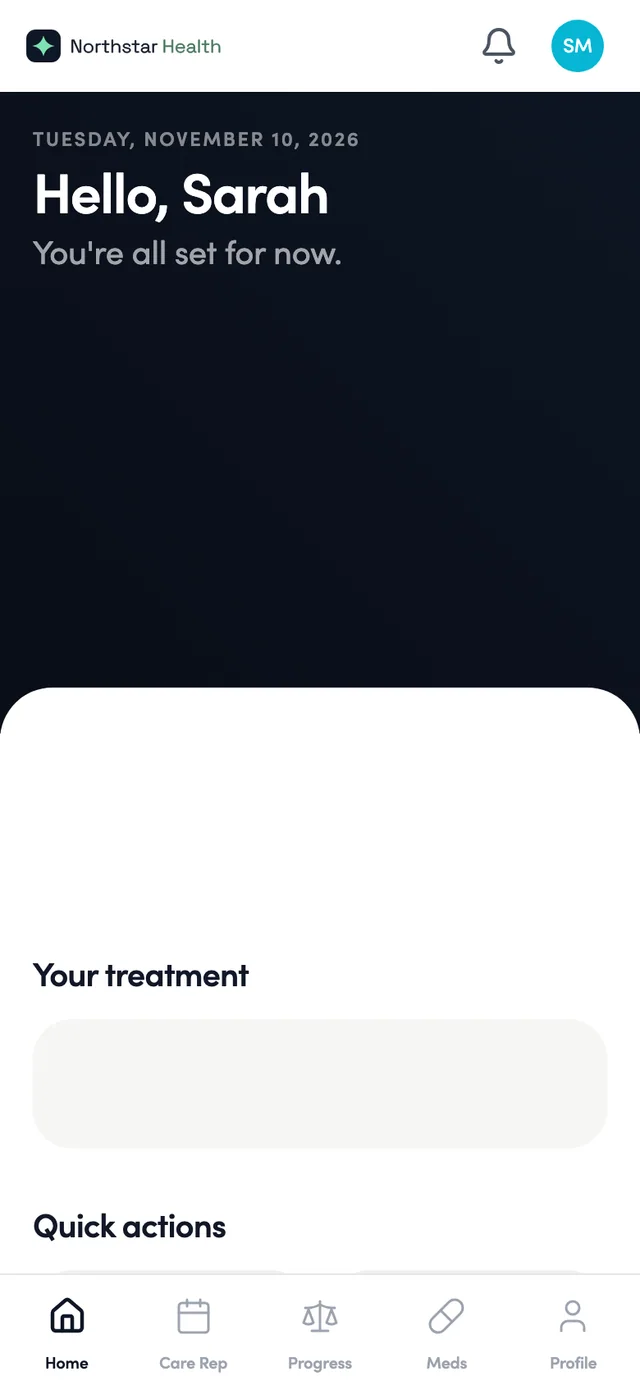
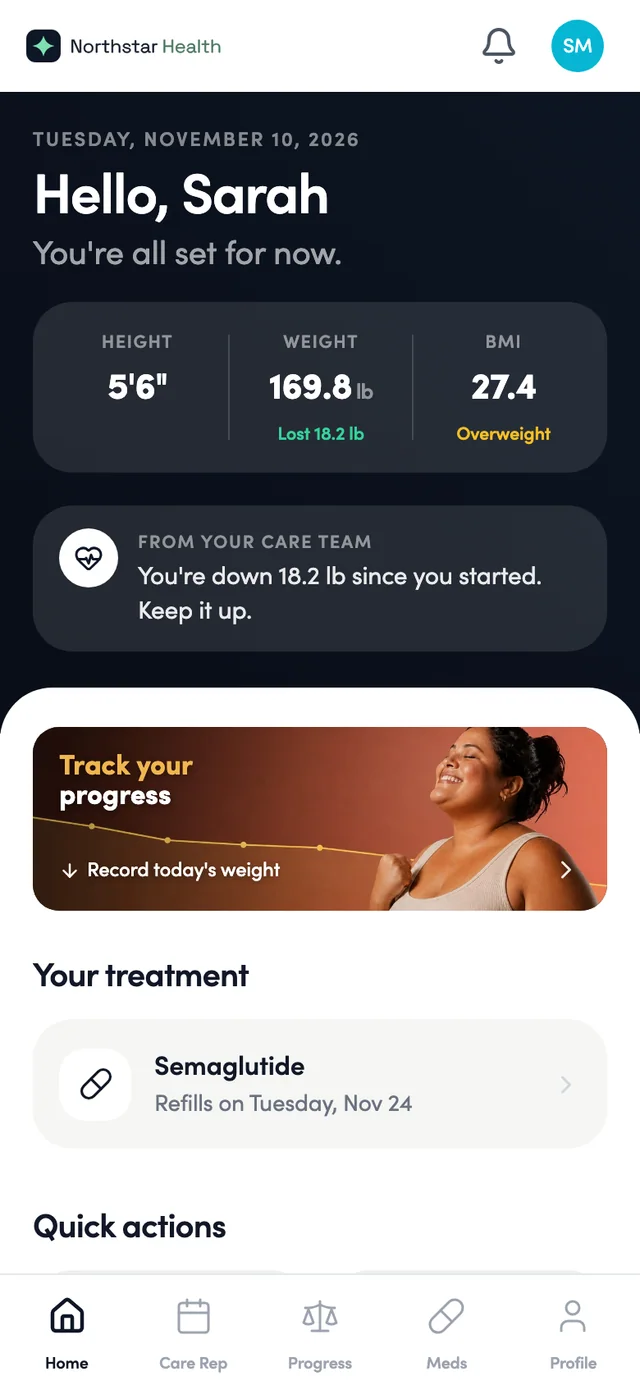
Five days before a refill is due, the patient gets a short check-in. A provider reads it and decides the dose. Dose changes are never automatic.
- Monthly check-in due
- Refill review
- Refill sent to pharmacy
The patient sees
“Monthly check-in due”: a 30-second check-in in the portal.
Your team sees
The check-in next to the refill when the provider reviews it.
EonPro does
Suggests a dose from the check-in. The provider decides.
The whole way
Your words, your rules.
Every message is yours to edit
The wording ships as a default. Each clinic reviews it, changes it and switches it on in its own settings.
Consent comes first
No text goes to a patient who has not agreed to texts or has opted out, and none goes out during quiet hours.
Once means once
A step sends its message one time, even when a system behind it tries again.
Get started
Ready to transform your clinic?
Join the growing network of clinics that trust EonPro to power their telehealth operations. Schedule a demo and see the platform in action.
Or email us directly at contact@eonpro.io