

From first call to first patient.
How a clinic goes live on EonPro, step by step, and what to expect from us at each one.
Going live takes six steps. Onboarding typically takes one to two weeks, depending on your existing workflows.
Demo
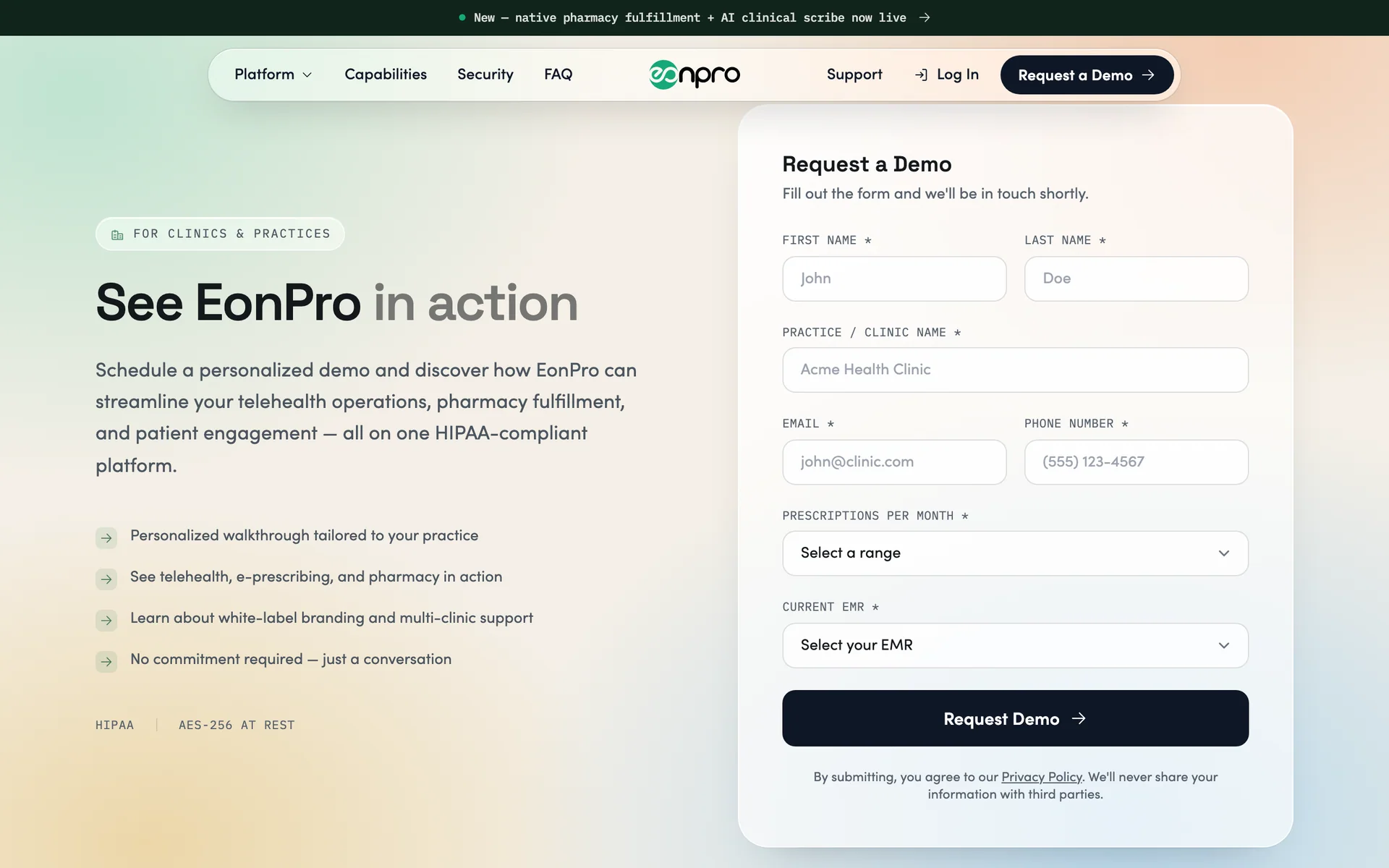
It starts with a conversation
Tell us about your practice and we reply within 24 hours to set up a walkthrough built around it. No commitment.
- Request sent
- Reply within 24 hours
- Your walkthrough
You do
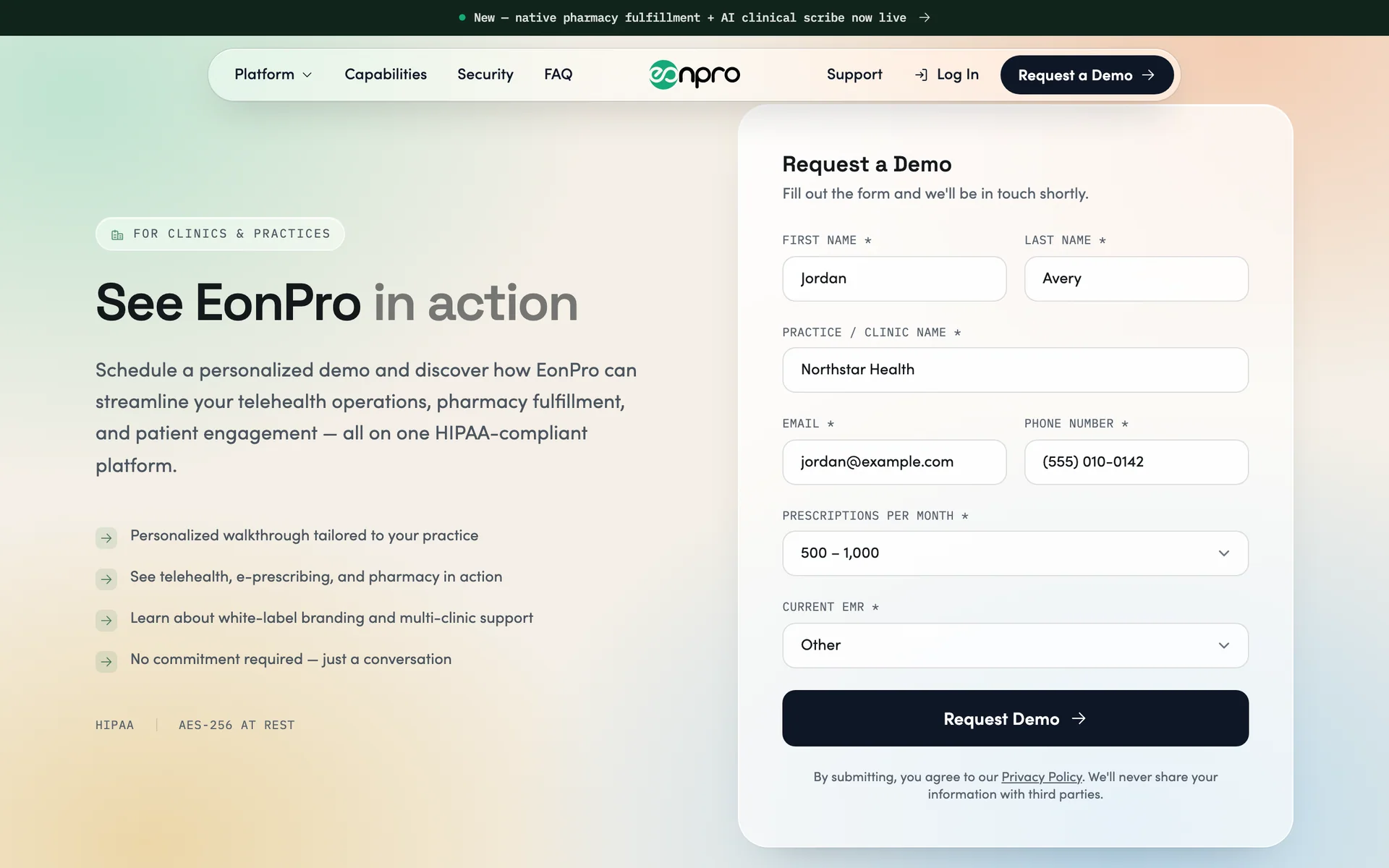
Send your practice name, your monthly prescriptions and your current EMR.
We do
Show telehealth, e-prescribing and pharmacy working together, on your own case.
You get
A clear view of the fit before you decide anything.
Agreement
Terms that cover patient data
EonPro holds protected health information on your clinic’s behalf, so the terms come before the setup. A Business Associate Agreement is available on request.
Agreement
Business Associate Agreement
Security at EonPro
What your compliance team will ask
- Patient data encrypted at rest with AES-256
- Every access to patient data recorded in an audit log
- Multi-factor sign-in mandatory for administrators and providers
You do
Review the terms with your compliance team.
We do
Answer their security questions. The Security page is written for reviewers.
You get
A Business Associate Agreement on request, and the list of subprocessors.
Connect
Connect the tools you already use
Pharmacy, e-prescribing, payments, video visits and texting plug in through native connectors. Anything else reaches EonPro through webhooks and the API.
- PharmacyLifeFileLinked
- E-prescribingDoseSpotLinked
- PaymentsStripeLinked
- Video visitsZoomLinked
- TextingTwilioLinked
EonProConnected
You do
Tell us which pharmacy and which payment account you use.
We do
Set up each connector with you.
You get
Orders, payments and messages in one system.
Make it yours
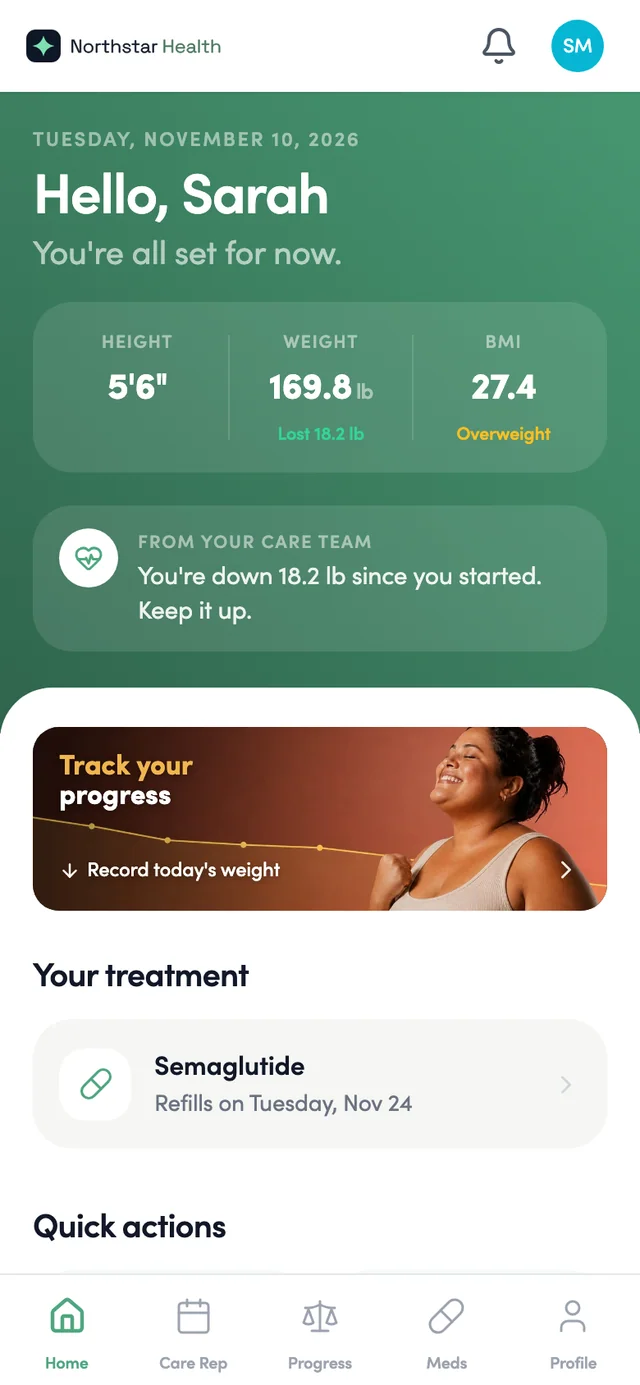
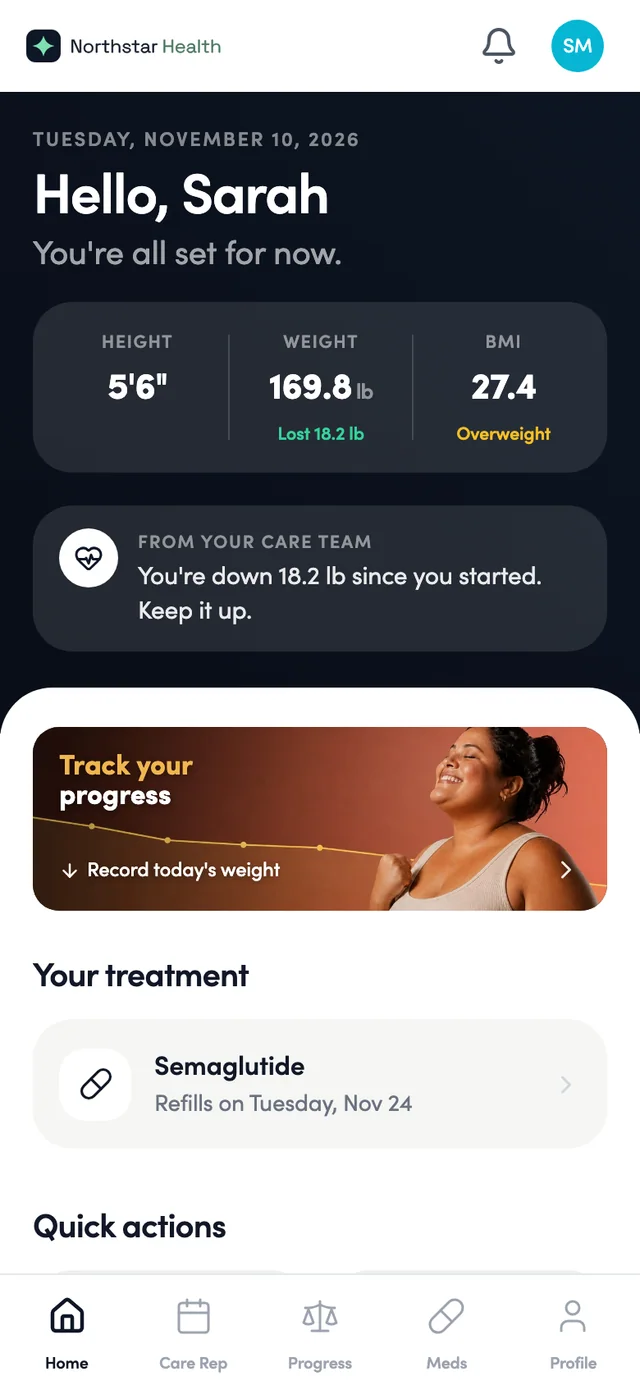
Your name on everything a patient sees
Logo, colours, favicon and domain are yours, and so is the patient app in the App Store and on Google Play. Intake forms are built by drag and drop.
care.northstar.io
- Name & logo
- Colours
- Address
- App
You do
Choose the brand, build the intake, add providers and roles.
We do
Keep your clinic apart from every other: its own data, branding and billing.
You get
A platform your patients know by your name.
Launch
Your first patient starts the journey
Patients come in through your intake, providers work their queue, and prescriptions reach the pharmacy. From here on, it is the patient journey.
You do
Open your intake to patients.
We do
Run the statuses and messages of the patient journey.
You get
Patients who can see where they stand at every step.
Grow
Then watch the numbers and add clinics
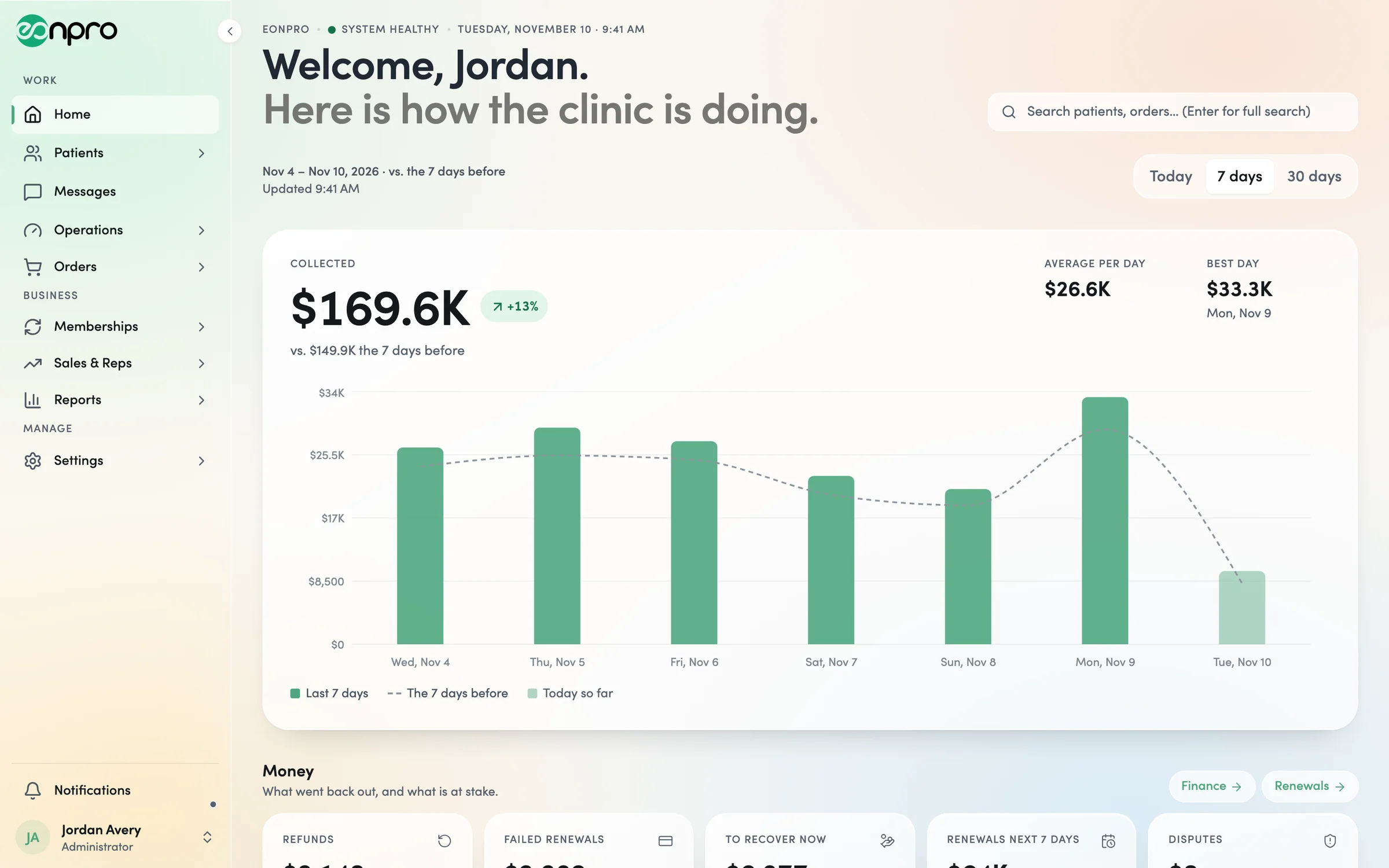
The clinic home shows the week: money collected, refunds, failed renewals and renewals due. A new brand gets a clinic of its own on the same platform.
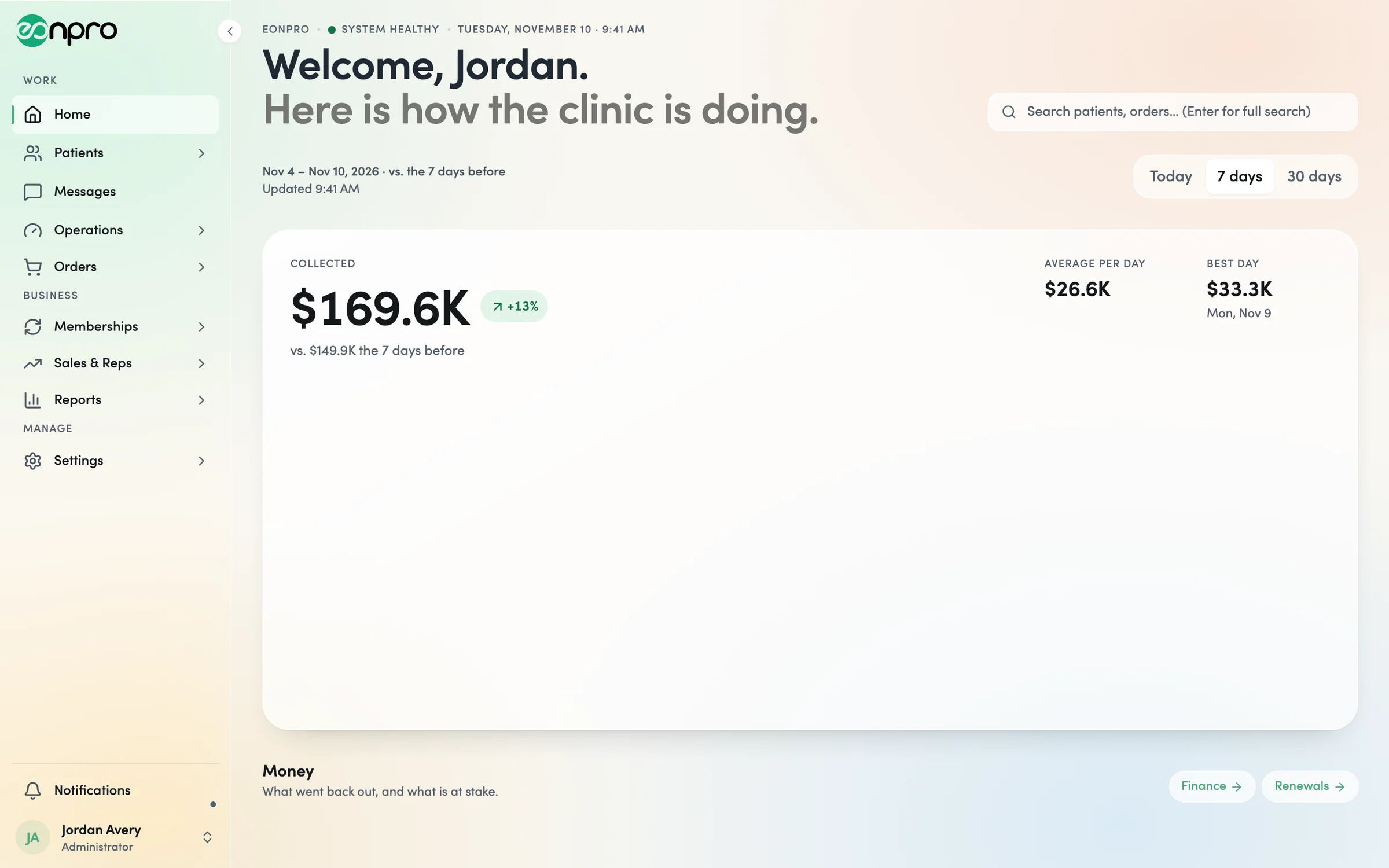
You do
Read the week on one screen.
We do
Automate refills and reminders.
You get
More clinics without more systems.
Along the way
What stays true at every step.
Your clinic is its own tenant
Every record carries your clinic, and a request cannot read or write another clinic’s data.
Built to add clinics
Several clinics run from one account, each with its own branding, billing and feature settings.
What ships is public
New features, fixes and security work are listed in the changelog, in plain language.
Get started
Ready to transform your clinic?
Join the growing network of clinics that trust EonPro to power their telehealth operations. Schedule a demo and see the platform in action.
Or email us directly at contact@eonpro.io